

How To Properly Clean Vinyl Record Players
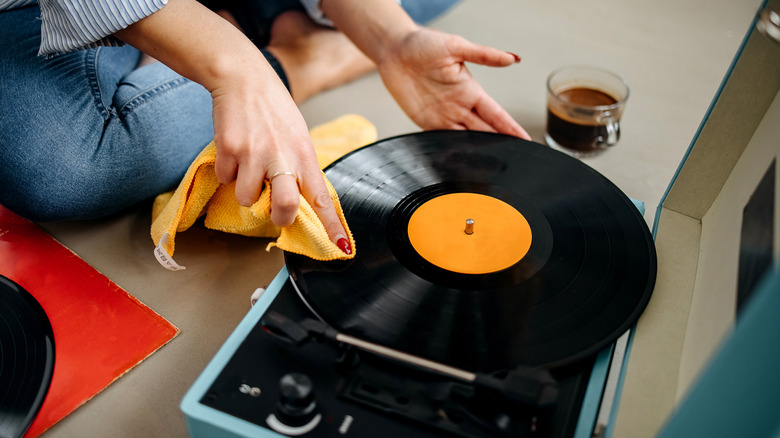
We may receive a commission on purchases made from links.
You finally did it: You took the plunge and got a record player. Congrats! And you did all your research, too. You looked up all the things you should consider before buying. You decided which highly-rated record player would be perfect for your home or found out which portable record player was worth your money. But one aspect of your hi-fi fantasy you might not have considered is cleaning your record player.
You might know that you're supposed to clean your records, but maintaining your turntable is just as important to your listening experience. After all, playing a clean LP on a filthy turntable is like eating a deliciously cooked meal on a dirty plate with rusty silverware. Gross. Nobody wants that.
Thankfully, it's easy to clean your record player properly. All you have to do is take it apart and put it back together. Simple enough, right? Just remember these two words — don't panic! — and we'll walk you through the process.
Prepwork: Read your turntable's manual and get a cleaning kit
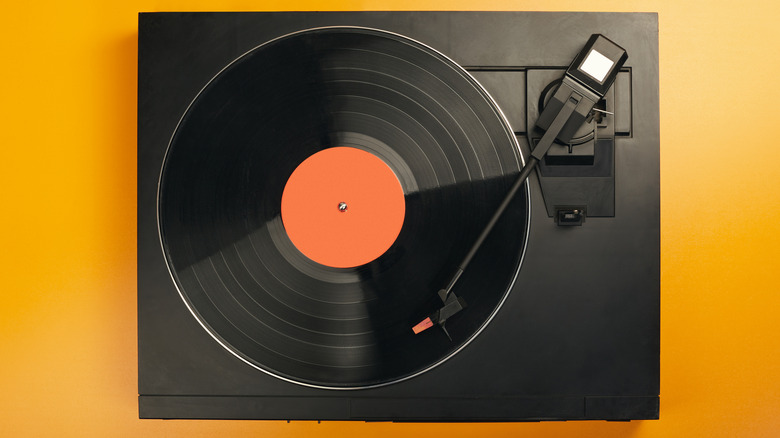
Here's the pivotal first step to everything: Read your record player's manual. The more you know your device, inside and out, the better you can be at taking care of it. Plus, in addition to offering guidance on the best setup for that particular model, the manual's "Turntable Maintenance" section will have tips on how to protect and care for your new piece of audio equipment.
If you have thrown your manual out or bought your record player secondhand, no worries. The device's manufacturer will likely have the manuals available online; Victrola, Sony, and Audio-Technica list theirs on their respective websites, for example. You can also consult websites like ManualsLib or Manuals.plus, which have hundreds of turntable manuals available to read. Search for your brand and model, and you should find what you're looking for.
From there, start off by acquiring a few cleaning materials, including an anti-static dusting cloth, a lint-free dry cloth, rubbing alcohol, a can of compressed air, and a stylus brush (which is available at most record stores; Turntable Lab has its branded Stylus Cleaning Brush that comes with its own cover). Big Fudge's inexpensive 4-in-1 vinyl cleaning kit is a good start, as it comes with a stylus brush, a velvet brush, and a bottle of record cleaning solution.
Dust is your enemy

A record is a piece of plastic with microscopic grooves representing different sound frequencies carved into it. Dust getting into the grooves harms your record player's needle and makes the record sound terrible.
So, here's how to clean your record player. First, unplug the device and then, remove the dust cover (the big plastic shell that sits atop it) and any slip mats from the platter. Wipe down the dust cover, both inside and outside, with an anti-static microfiber cloth. Be gentle — there's no need to scrub. If you see any stains or greasy fingerprints, use rubbing alcohol or ionized or distilled water with the cloth.
Once that is done, begin wiping down the center of the platter (the circular part that holds the record). If you have a belt-driven turntable, remove the platter to clean it. Removing the platter will dislodge the belt, but don't fret, as replacing a belt is as easy as sticking your finger through a hole in the platter and looping it over a pole. To clean the belt, just wipe it down with your microfiber cloth. This belt is critical to your turntable; it's what makes your table turn. If it's cracked, dry, stretched, or damaged in any way, replace it.
Clean the belt, stylus, and headshell
Next, hold the record player's tonearm up and steady, so the needle isn't touching anything. Take your stylus brush (you can use a soft paintbrush if that's handy), and clean it front to back. It should be as if the needle was going over a record; do not go against the grain. This could bend the stylus. Do not blow on it or touch it directly, as spit or the oil from your fingers could get on the needle and damage it.
When you are done cleaning the stylus, remove the headshell (the part of the tonearm that holds the cartridge). Check your manual to see if yours is removable; some record players' headshells aren't. The end that connects to the tonearm should have four contact points. These points help convert your stylus' vibrations into electrical signals. Use your anti-static microfiber cloth, a dedicated brush, or canned air to remove any particles or dust.
Replace the belt and platter. Make sure the belt isn't twisted and that it is flat. Replace the dust cover. Check all the connections on the dust cover, platter, and remaining components. If everything is back to normal, go ahead and plug the turntable back in. And there you go! You have successfully cleaned your record player. Keep it up, and you'll be surprised to find out how long a turntable could last with proper care.